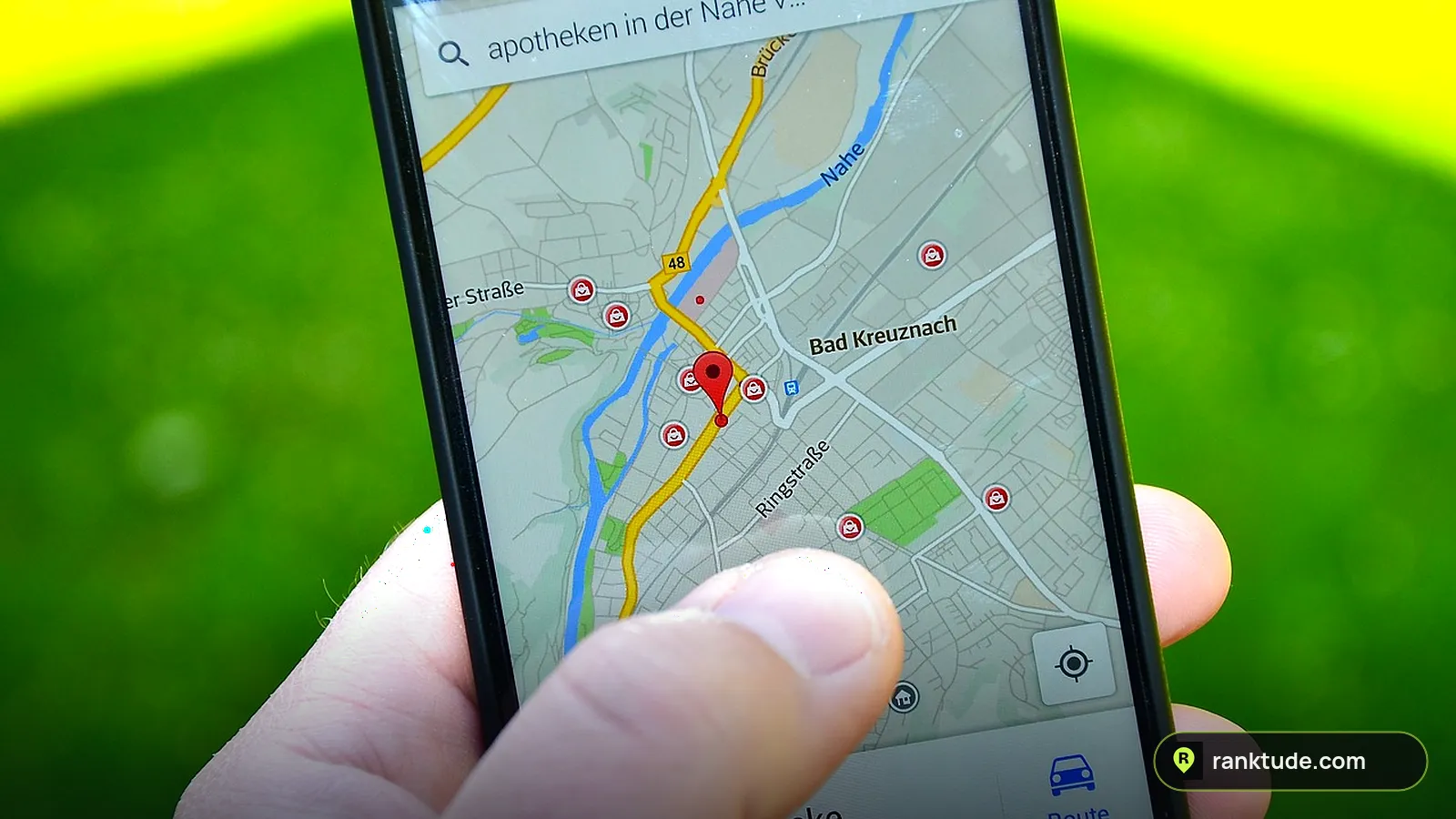
When someone searches “plumber near me” or “dentist in Dallas”, Google shows a map with three businesses under it. That box is the Google Maps 3-Pack (also called the Local Pack or Map Pack), and for most local businesses it is where the calls come from. If you are not in those three spots, most people never scroll far enough to find you.
The good news: getting into the 3-Pack is not luck. Google has told us what it looks at, and the businesses that win usually do the same handful of things well. This guide walks through the exact steps we use when we manage Google Business Profiles for clients.
Quick answer: To rank in the Google Maps 3-Pack, verify your Google Business Profile, choose the most accurate primary category, fill in every section, keep your name, address and phone the same everywhere online, earn a steady flow of real reviews and reply to them, build a website with clear local pages and LocalBusiness schema, post photos and updates regularly, and earn links and mentions from local websites.
What is the Google Maps 3-Pack?
The 3-Pack is the block of three business listings that appears with a map near the top of Google for searches with local intent. Each listing shows the business name, star rating, number of reviews, category, hours and buttons to call, get directions or visit the website. On a phone, it often fills the whole first screen.
That is why it matters so much: the 3-Pack sits above the regular website results, and people searching for a local service usually want to call someone now. Being #4 on the map can feel like being invisible.
How Google decides who shows up
Google says local results are based mainly on three things: relevance, distance and prominence. It also says plainly that there is no way to request or pay for a better local ranking. You can read this in Google’s own guide, Tips to improve your local ranking on Google.
- Relevance: how well your profile matches what the person searched for. Complete, detailed information helps Google make that match.
- Distance: how far your business is from the searcher, or from the area they typed in. You cannot move your office, but you can make sure Google knows exactly where you are and which areas you serve.
- Prominence: how well known your business is. Google says this is based partly on links from other websites and on your reviews and ratings.
Every step below improves at least one of these three.
Step 1: Claim and verify your Google Business Profile
Nothing else works until your profile is verified. Search for your business on Google Maps, claim it (or create it), and complete verification. Depending on your business, Google may ask for a video, a phone or email code, or a postcard. Verification shows Google you are allowed to manage the listing, and only verified profiles can rank reliably.
Use your real business name exactly as it appears on your signage, invoices and website. Adding extra keywords or city names to the name (for example “Joe’s Plumbing – Best Emergency Plumber Dallas”) is against Google’s guidelines and is one of the most common reasons profiles get suspended.
Step 2: Choose the right primary category
Your primary category is one of the strongest relevance signals you control. It tells Google what you are, so it should describe your main service as precisely as possible. “Plumber” is better than “Contractor”. “Cosmetic dentist” may be better than “Dentist” if that is most of your work.
Then add secondary categories for other services you genuinely offer, such as “Water heater installation service” or “Drainage service”. Look at the businesses already in the 3-Pack for your main keyword: their categories are a useful hint. Do not add categories for services you do not provide, it confuses Google and customers.
Step 3: Fill in every section of your profile
A half-empty profile gives Google less to match against. Go through each section and complete it:
- Services: list each service with a short description in plain language.
- Business description: explain what you do, who you serve and where, in natural sentences. No keyword stuffing.
- Hours: keep them accurate, and add special hours for holidays.
- Service area: if you visit customers, list the cities or ZIP codes you actually cover.
- Attributes: wheelchair access, online appointments, women-owned and so on, where they apply.
- Photos: real photos of your team, vehicles, storefront and finished work.
- Website and phone: link to the most relevant page and use a local phone number.
Step 4: Keep your name, address and phone consistent everywhere
Google cross-checks your business details across the web. Your name, address and phone number (often called NAP) should be identical on your Google profile, your website, Facebook, Yelp, Bing Places, Apple Maps and industry directories.
Small differences add doubt: an old phone number on Yelp, “Suite 4” on one site and “#4” on another, or a previous address that never got updated. Make a list of every place your business is listed and fix them one by one. This also builds citations, which support prominence.
Step 5: Get a steady flow of real reviews, and reply to all of them
Reviews affect both your ranking and whether people choose you once they see you. Google says review count and positive ratings support prominence, and it recommends responding to reviews.
- Ask every happy customer. Send your direct review link by text or email right after the job, while the experience is fresh.
- Aim for consistency, not bursts. A few new reviews every week looks more natural and keeps your profile fresh.
- Reply to every review, good or bad, within a day or two. Thank people by name and mention the service when it fits naturally.
- Never buy reviews or offer discounts in exchange for them. Fake or incentivized reviews break Google’s rules and can get reviews removed or the profile suspended.
Want a system that keeps reviews coming in? See our review and reputation management service.
Step 6: Make your website support your Maps ranking
Your website is part of how Google judges relevance and prominence. The businesses that hold the top 3 usually have websites that clearly state what they do and where. Check these basics:
- A page title and H1 that name your main service and city, for example “Emergency Plumber in Dallas, TX”.
- A separate page for each main service, with real detail, prices or process and FAQs.
- Pages for the main cities or areas you serve, written for that area, not copied from each other.
- Your name, address and phone in the footer, matching your Google profile.
- LocalBusiness schema markup, so search engines and AI tools read your details perfectly.
- A fast, mobile-friendly site with a tap-to-call button.
Not sure how your site scores? Run it through our free local SEO checker. It checks 18 local signals and gives you a fix list in about 30 seconds. For a deeper approach, see our local SEO services.
Step 7: Post updates and add photos regularly
Google Business Profile lets you publish posts for offers, updates and events. Posting every week does not guarantee a ranking boost, but an active profile with fresh photos and posts gives customers more reasons to choose you and shows Google the business is open and engaged.
Good post ideas: a recent job with before and after photos, a seasonal tip, a limited-time offer, or an answer to a question customers ask often. Add new photos at the same time, real ones taken by you rather than stock images.
Step 8: Earn local links and mentions
Links from other websites are one of the signals Google mentions for prominence. For a local business, the most valuable links usually come from local places:
- Your local chamber of commerce and business associations
- Suppliers, manufacturers and partners you work with
- Local news sites, blogs and community event pages
- Sponsorships of local teams, charities or events
- Trusted industry directories for your trade
These mentions also help AI assistants like ChatGPT and Gemini, which tend to recommend businesses that are mentioned consistently across many trusted sites.
How to check where you really rank
Searching your own keyword from your office does not show the full picture. Because distance matters, you might be #1 on your street and #9 two miles away. Agencies use a map grid: they check your ranking from many points across your service area and see where you are strong and where you disappear. That shows you which areas need city pages, more reviews mentioning those areas, or other work.
We include this grid in our free visibility audit, along with a profile health check and whether AI tools recommend you.
Mistakes that keep businesses out of the 3-Pack
- Keyword stuffing the business name. It can work for a while, then lead to a suspension.
- Using a virtual office or fake address. Google may remove or suspend profiles that use addresses where the business does not actually operate.
- Buying reviews or review gating (only asking happy customers through a filter). Both go against Google’s policies.
- Choosing a broad primary category instead of the most specific one that fits.
- Ignoring negative reviews. A calm, helpful reply often wins more trust than the review loses.
- Setting it up once and forgetting it. Competitors keep adding reviews, photos and pages. Rankings move.
How long does it take to rank in the 3-Pack?
It depends on your competition and where you start. In a quiet market, fixing your category, profile and reviews can show results within a few weeks. In competitive cities and industries, such as plumbing, HVAC or personal injury law, it usually takes several months of steady work. The businesses at the top did not get there in one week, and they keep working to stay there.
Frequently asked questions
Can I pay Google to get into the Maps 3-Pack?
No. Google states there is no way to request or pay for a better local ranking. You can pay for Google Ads or Local Services Ads, which appear in separate ad spots, but the organic 3-Pack is earned.
Do I need a physical address to rank on Google Maps?
You need a real business location to verify your profile. If you serve customers at their homes, you can hide your address and show a service area instead. You should not use a virtual office or someone else’s address.
How many reviews do I need to rank in the top 3?
There is no fixed number. Look at the businesses currently in the 3-Pack for your main keyword and aim to match their review count and rating over time, with new reviews coming in every month.
Do Google Business Profile posts help rankings?
Posts mainly help people choose you once they find you. They keep your profile active and fresh, which supports your overall presence, but they are not a replacement for the right category, reviews and a strong website.
Why do I rank in the 3-Pack in one area but not another?
Because distance is one of the three ranking factors. Your ranking changes depending on where the searcher is. A map grid check shows where you are strong and where you need more work.
The bottom line
Ranking in the Google Maps 3-Pack comes down to three things Google has told us it measures: being relevant to the search, being close to the searcher, and being well known. Get your profile verified and complete, pick the right category, keep your details consistent, earn real reviews, back it up with a strong local website, and keep building local links and mentions.
If you would rather have experts handle it, our Google Business Profile management service does all of this every week. Start with a free visibility audit and see exactly where you are losing calls.
Want us to do this for you?
Get a free Google Maps heatmap, profile health check and AI visibility report. We usually reply in under 1 hour.